For web agencies and freelancers
Website feedback
AI can act on.
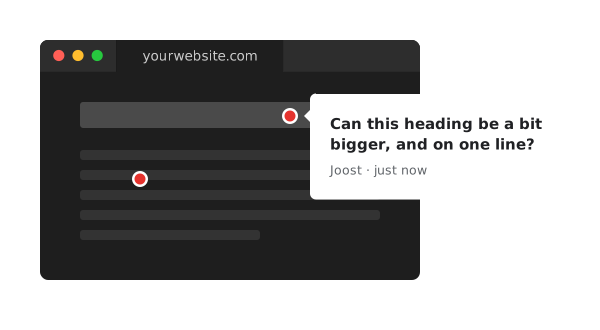
Tired of vague change requests? Let your clients point out what they mean. Discuss it in the comments. Happy? Share the link with your AI. It reads every comment and knows which element each one is about.
How it works
-
Enter the URL
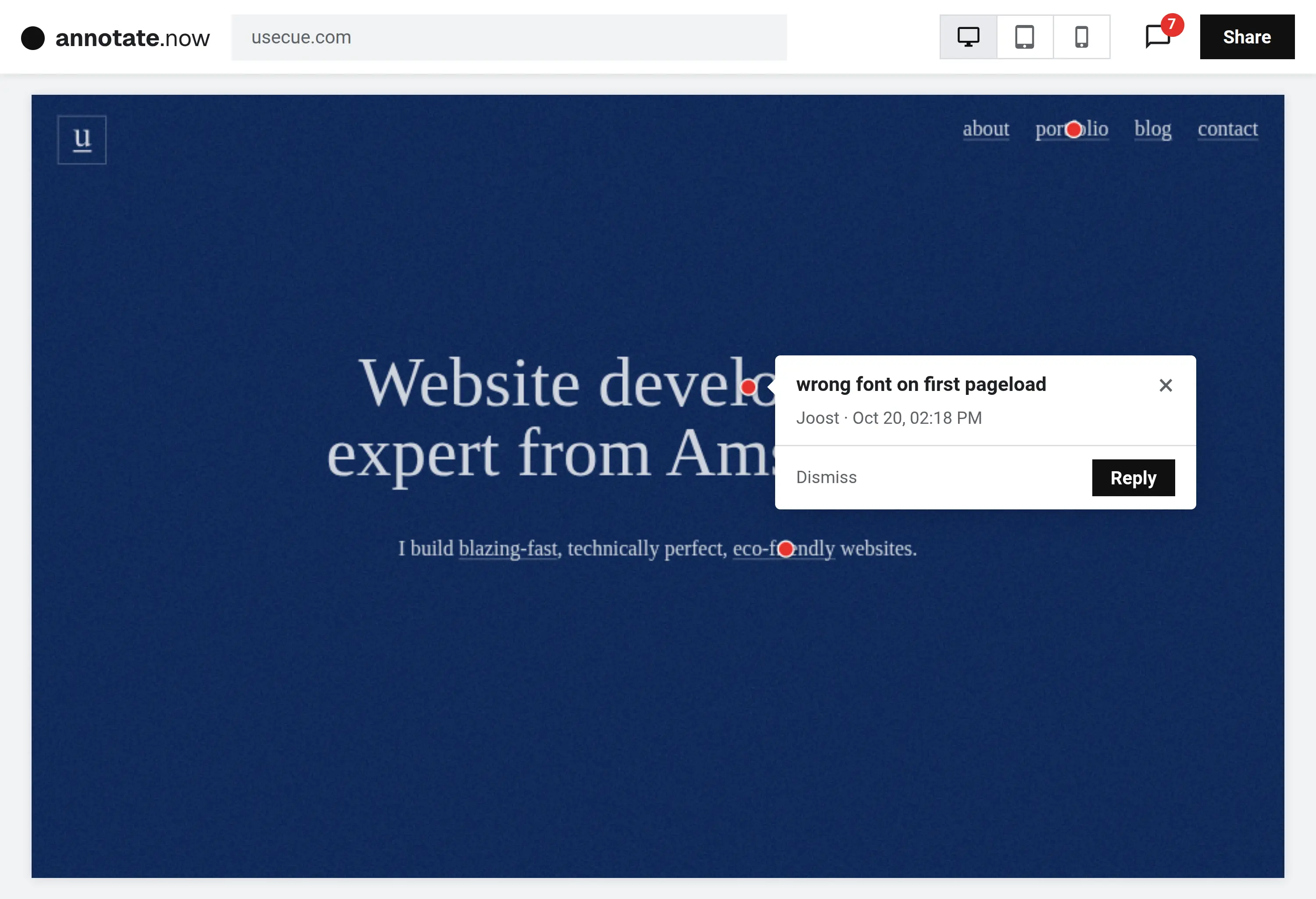
Paste the address of the page you want feedback on, live or on staging, and press Go. The page opens as a board, ready to annotate.
-
Click to annotate
Click on exactly what you mean, on desktop, tablet or mobile, and type a comment. Reply in the thread, and dismiss it when it’s done.
-
Share the link
Send the link to clients, colleagues or your AI. People add annotations without an account, and your AI reads them all.
Full-featured
- Works on any website
- Desktop, tablet and mobile
- Just point and click
- Comment threads
- Multi-page feedback
- A link to every comment
- Nothing to install
- No account for clients
- Readable by AI
- Mark comments as done
- Live and staging sites
- Two-step verification
Frequently asked questions
Do I need to install anything?
No. Pages load through our server, so nothing goes on your website.
Do my clients need an account?
No. Anyone with the link can add annotations and reply.
Does it work on every page?
On every public page, live or on staging. Not on localhost, an intranet, a port other than 80 or 443, or pages behind a login.
Is it safe to open a page here?
Pages open in a sandbox, so their scripts can’t reach your account.
Why does my AI get it right?
Every dot records what it points at: the kind of element, its text, the heading above it and its XPath. So your AI changes the right thing, not something that looks like it.
Can a board cover more than one website?
No. A board covers one website. Going to another domain starts a new board.
How long are boards kept?
A board without annotations is deleted after a month. Any board is deleted after a year without activity.
Try it now
Stop guessing. Work faster.
Email and screenshots are quick, but vague. A feedback widget is precise, but needs a script on every client site, and your AI can’t read it. Annotate.now is precise, needs nothing, and is AI-native. Try it below.
-
39pages reviewed
-
109annotations
-
5replies
-
100%uptime last month